Step 1
Open with a complete practice clue
Say: Choose a captain for this category. Read the clue together, agree on one answer, and let the captain submit it. In a spoken-answer live room, the captain buzzes through Quiz Champ before answering aloud. In typed mode, the first buzzer submits a typed answer. Reveal and judge the practice answer so everyone sees the whole loop before the first scored clue.
Step 2
Make the phase clear
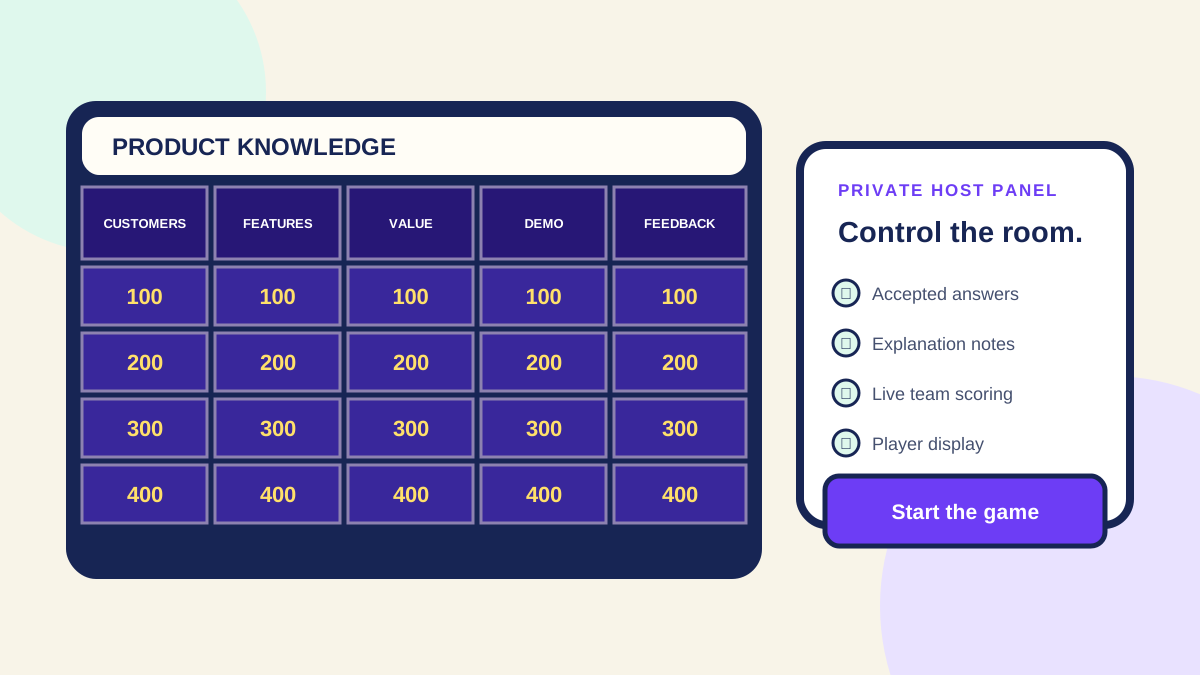
Name what is happening: choose a tile, discuss, submit, reveal, then return to the board. Share only the player display while keeping host controls private. If people speak over one another, ask them to finish the team discussion before the captain responds. External meeting chat does not register a Quiz Champ response.
Step 3
Give quieter players a useful role
Rotate the captain after each category and invite another teammate to explain the reasoning after a reveal. Make that explanation optional and unscored. A team can also have a reader or note-taker, but let participants choose those roles. Avoid requiring a shy player to perform alone to earn the team's points.
Step 4
Prepare two neutral host phrases
When a dominant player answers for everyone, say: Let's hear the captain's agreed answer for this one. When a team is stuck, say: You can give your best answer, and we will use the explanation to learn the missing piece. Read clues aloud as well as displaying them. Offer the same hint under the same rule to every team.
Step 5
Resolve slow or disputed answers consistently
Agree on a short discussion window before play and keep time as a host. If wording caused a genuine misunderstanding, check the prepared accepted answer and apply the same flexibility to every team. Pause the game to reconnect a device rather than treating a technical failure as a knowledge mistake. If the room cannot reconnect, switch to paper and keep the remainder's scores separately.
Step 6
Leave space for the ending
For a 30-minute activity, budget five minutes for setup and the practice clue, twenty for the main board, and five for the result and recap. If time runs short, announce the last few clues before selecting them. Use the tie-break rule agreed at the start, or name shared winners. Do not invent a new rule after seeing who is tied.
Step 7
Debrief one useful moment
Ask which explanation changed someone's mind or which category they would choose next time. For training, note a topic that needs another example rather than ranking individual employees. Keep one host note for the next session: a clue to rewrite, a timing adjustment, or a category the group enjoyed. Engagement comes from a clear shared activity; this guide does not promise a measured learning or productivity improvement.
Step 8
Count teams, people and connected devices separately
A local group can share the host’s screen and answer through team captains without one device per person. In a live room, each connected participant device counts toward that room’s configured participant limit. Free live-room setup supports two teams; paid access supports up to eight. Paid larger-room access does not change how many people can read your projector or how reliable the venue network is. Check the displayed room capacity and current plan before invitations.
Step 9
Choose a room plan that fits the actual access
For twelve people, two teams of six can share two captain devices. For twenty-four people, four teams of six need a plan permitting four live teams if using a room; local team play is a separate setup. For forty-eight people, eight teams of six reach the paid eight-team maximum. These are example seating plans, not promises of a fixed people capacity. Allow a five-minute joining buffer and test visibility from the back row.
Step 10
A captain handoff and reconnection script
Say: ‘Discuss together, then let the captain buzz and submit one agreed answer.’ Rotate captain, reader and note-taker between categories. If a device disconnects, say: ‘We are pausing before the next clue; the team keeps its place while it reconnects with the room code.’ Keep the host’s answer key private, confirm the returning team appears, then resume. If the room cannot recover, switch to paper and keep those remaining scores separately.