Step 1
Share only the player display
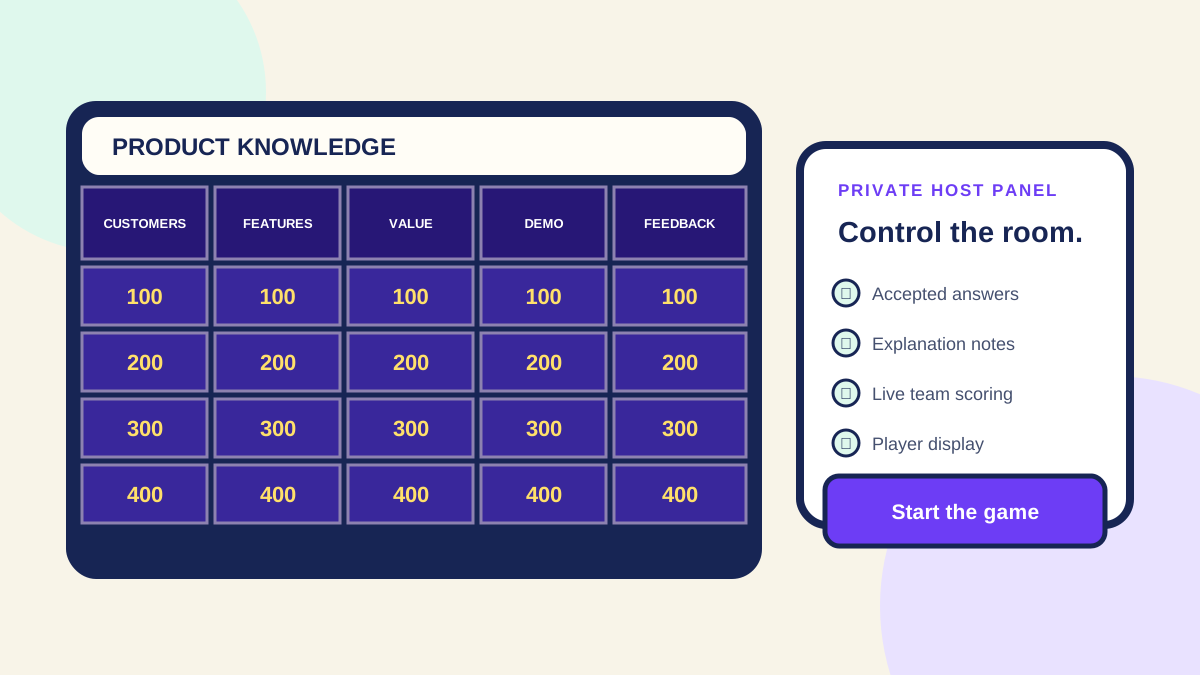
Put host controls in a private window, share the player display, and confirm that notifications or sensitive tabs are not visible.
Step 2
Choose one remote answer method
Choose spoken or typed answers in Quiz Champ. For spoken answers, the captain must buzz in through the game before answering aloud; the host then reveals and judges the response. In typed mode, wait for the first buzzer to submit an answer through the game. Meeting chat is not connected to Quiz Champ scoring.
Step 3
Allow for connection lag
Read every clue aloud and pause before opening answers. Apply the same timing rule to every team.
Step 4
Use breakout rooms carefully
Breakout rooms work for longer questions, but short team discussion with one captain is faster for a 20-minute meeting activity.
Step 5
Prepare a fallback
Keep the join code and player link available. If a participant loses the connection, pause and have them rejoin, then test a practice response. If the game connection cannot recover, finish the activity on paper or in your own meeting chat and record scores separately; external messages will not unlock the game controls.