How to Make Review Day Feel Like a Game

Turn review day into a loop of categories, questions, buzzers, and answer reveals so students stay active instead of waiting for a worksheet.

Start with a board students understand

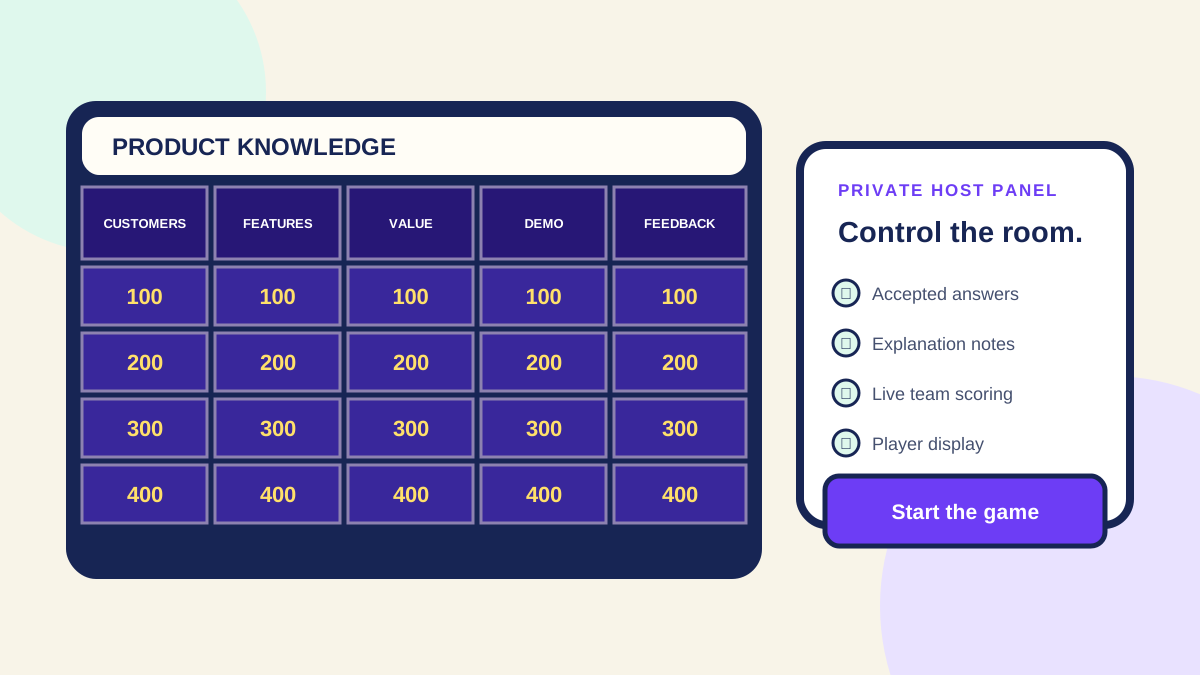
Choose five categories that match the unit and use point values to create momentum. Keep the first round approachable so everyone gets comfortable picking tiles and buzzing in.

Write clues that spark recall

A good clue is specific enough to guide the player but open enough to make the answer feel earned. Use vocabulary, examples, comparisons, and real classroom moments.

Use the reveal as a teaching moment

After a correct or incorrect result, the answer reveal gives you a natural pause to explain the idea, clear up misconceptions, and move right back to the board.

A 30-minute review-day agenda

Spend 3 minutes explaining teams and rules, 20 minutes playing the main board, 4 minutes reviewing missed clues, and 3 minutes assigning a quick exit question. That structure keeps the game fun while still leaving room for reteaching.

Example classroom board

For a science unit, use Vocabulary, Lab Tools, Ecosystems, Weather, and Challenge. Put definitions in the 100-point row, examples in the 200-300 rows, and application questions in the 400-500 rows.

What to avoid

Do not turn review day into a speed contest where only confident students answer. Rotate team speakers, allow short team discussion, and use answer reveals to explain why the correct answer is correct.

Best next step

After the game, ask every student to write one missed clue, the correct answer, and a one-sentence explanation. That turns the energy of the game into actual retrieval practice.

Quick takeaway

The fastest way to use this guide is to choose one real event, write the game around that event, and keep the board small enough to finish. A custom Jeopardy-style game works best when the categories match the people in the room: a class needs review categories, a work team needs useful shared knowledge, and a party needs prompts that create stories.

How to turn this into a board

Start with five categories and five clues per category. Put direct recall or easy group knowledge in the low-value rows, then use higher values for examples, scenarios, tricky details, or final-review questions. Before hosting, add accepted answers and short explanations so the reveal teaches, clarifies, or gives the group a reason to react.

Best next action

If you already know your topic, open the game maker and create the first category now. If you are still deciding what to ask, use the templates and examples pages first, then return to the builder with a tighter plan. The goal is not to make a giant trivia database; it is to build one board that helps this specific group have a better live activity.

How this connects to the rest of Quiz Champ

Use the maker page when you are ready to build, the templates page when you need a starting structure, the examples page when you need category ideas, and the how-to-play page when you want rules for hosting. Teachers should connect this guide to classroom review. Work hosts should connect it to team-building and training. Party, family, and church hosts should choose prompts that feel personal, easy to explain, and comfortable for the whole group.

Frequently asked questions

Can I turn this idea into a playable Quiz Champ board?

Yes. Use the guide to choose categories, write clues, add accepted answers, and then build the board in Quiz Champ so you can host it live.

Should I use a template or start from scratch?

Use a template when you want a faster setup or a familiar structure. Start from scratch when the game needs to match a specific lesson, training, person, party, or event.

How long should a live quiz game last?

Most groups do best with 20 to 30 minutes of play. For longer events, use more categories, add a final challenge, and plan a short recap after the winner is announced.

Start building

Create a custom Jeopardy-style board in Quiz Champ, then host it live for your classroom, team, party, church group, family night, or online event.

Trying to improve your own skills? Try Jeopardy practice, a Jeopardy practice test, or Jeopardy practice questions before hosting.

Quiz Champ is an independent Jeopardy-style game maker and is not affiliated with, endorsed by, or sponsored by the owners of the original game show brand.